
Electrical plans for sparkies
Done on site. Signed before you leave.
Mark up the house plan on your phone, iPad or laptop, with the customer right there. Kea Plans turns it into a proper electrical plan in seconds. They check it and sign it there and then.
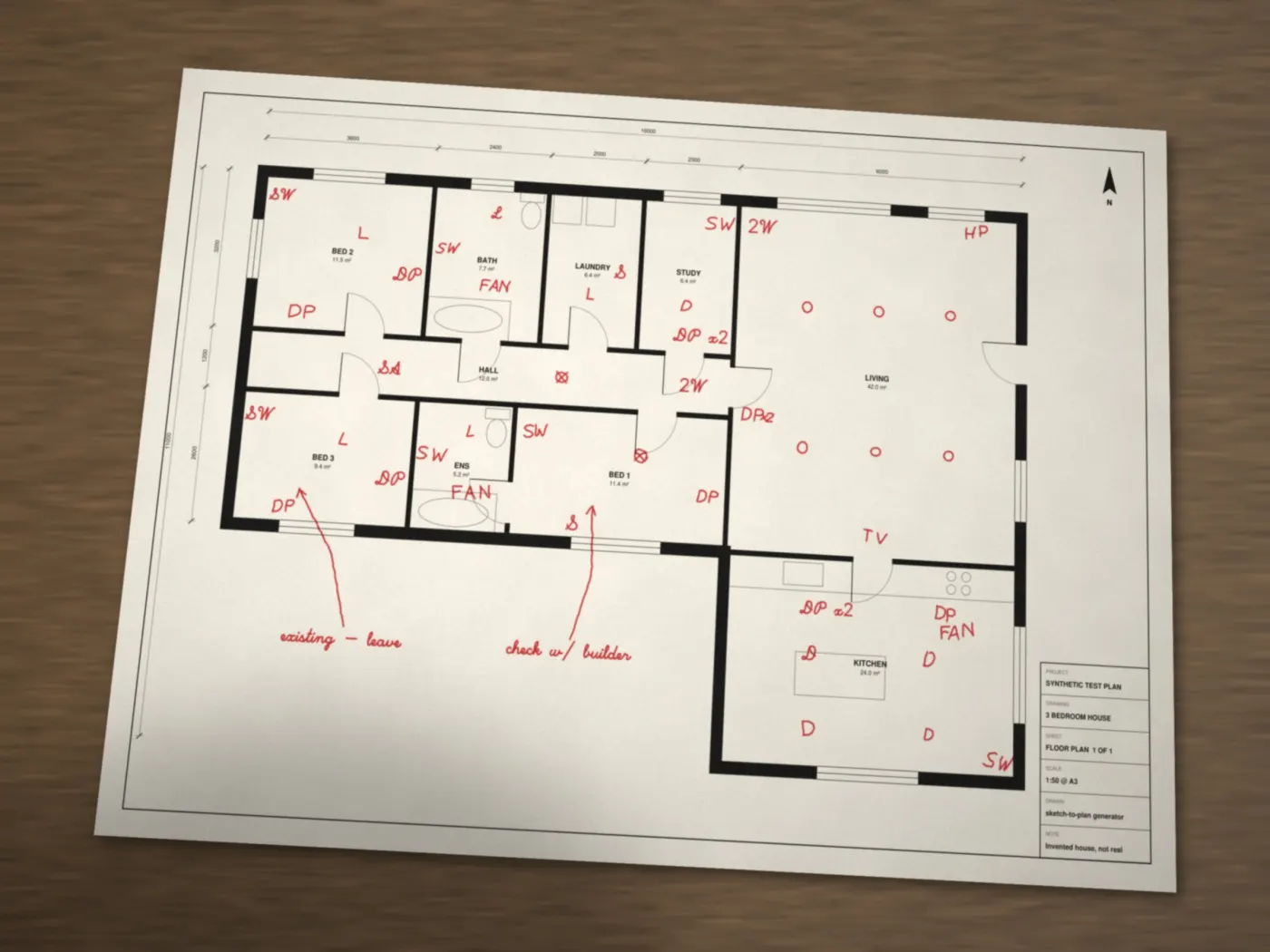
Your markup, photo from a phone
You're already standing in the house. Get the plan signed while you're there.
Write it the way you always have.
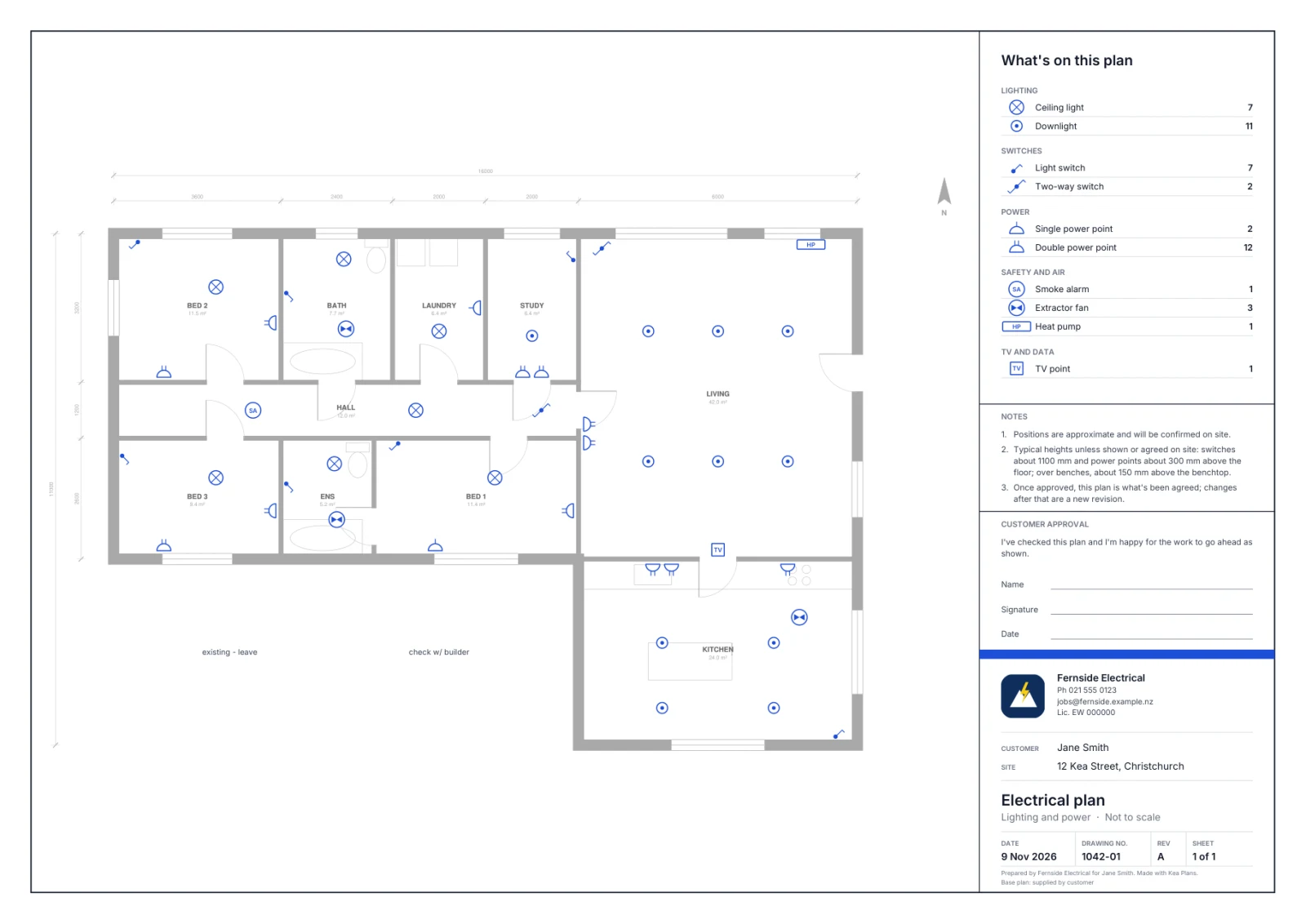
These are the real marks from the photo at the top of this page, and what Kea Plans turned each one into.
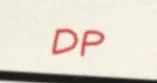 Double power point
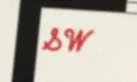 Light switch
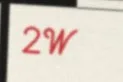 Two-way switch
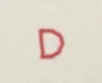 Downlight
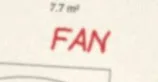 Extractor fan
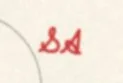 Smoke alarm
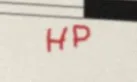 Heat pump
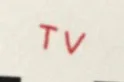 TV point
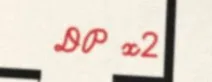 Two double power points
Same day
No more “I'll send you a plan next week.”
The old wayDays, sometimes weeks
- Measure up and mark the plan on site
- Drive home
- Draw it up at night
- Email it to the customer
- Chase them for a reply
- Changes. Draw it again. Email again.
With Kea PlansSame day, on site
- Mark it up with the customer, on your phone, iPad or laptop
- A proper plan in seconds
- Check it together on your screen
- They sign with a finger
- Done. Before you leave.
How it works
Three steps. No new habits.
How it works
Three steps. No new habits.
- Mark it up with the customerOn your phone, iPad or laptop, as you walk the house. Or write on a printout and snap a photo.
- A proper plan in secondsEvery mark becomes a proper symbol in the right room. Lights, switches, power. The legend counts them.
- They sign before you leaveCheck it together, fix anything in a few taps, and they sign with a finger. Not there? Send a link.
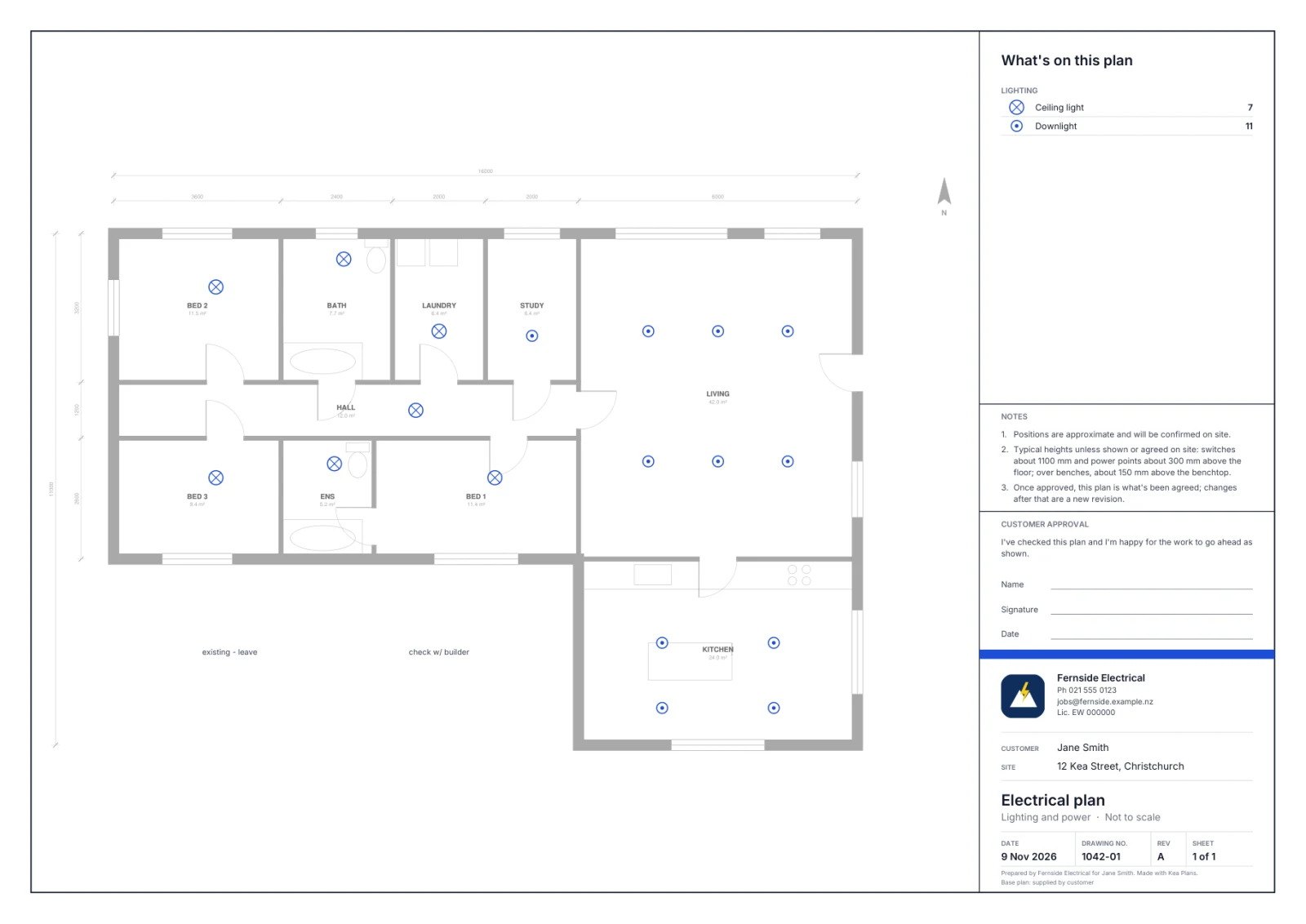
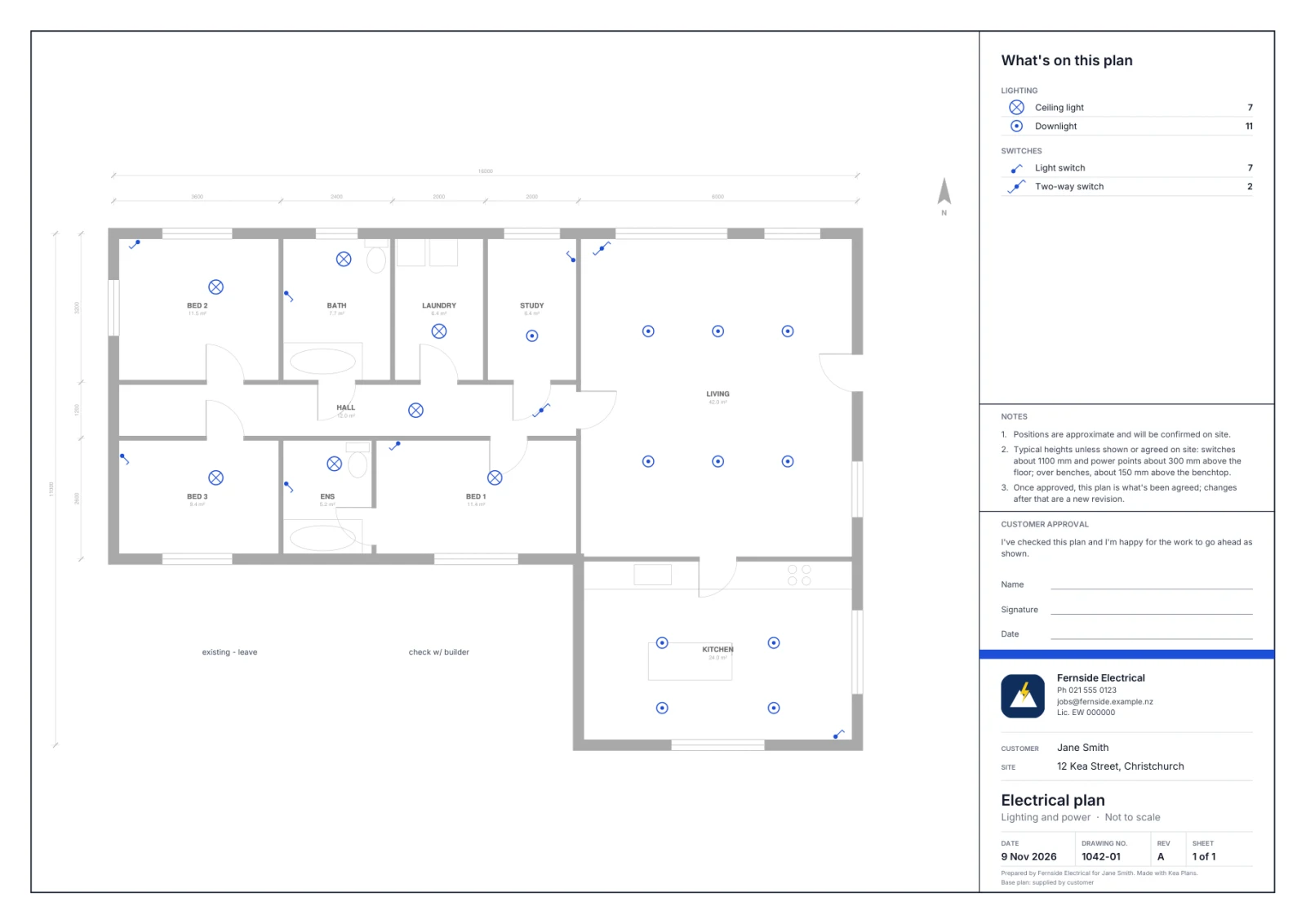
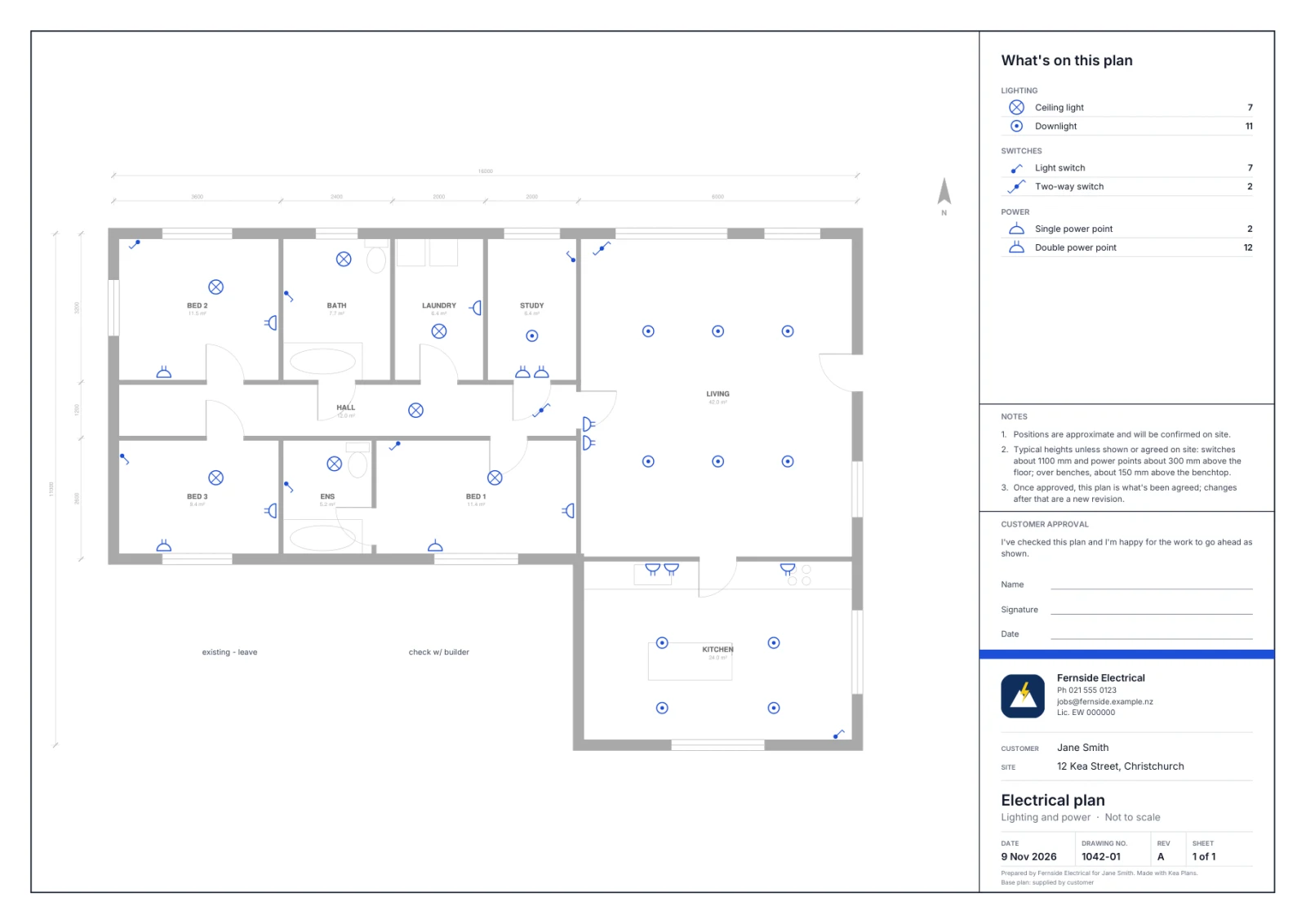 ✓ Signed on site by Jane Smith
What's on the plan
Looks like you spent all night on it.
A clean A3 or A4 sheet, ready to print or send. Every plan, every time.
- The house fades backYour work stands out in one strong colour.
- A legend with countsIn plain words, ready for ordering gear.
- Your notes, tidied"Check with builder" stays on, just neater.
- Your name on itLogo, phone, email and licence number.
- A sign-off boxFor a pen, or the online approval.
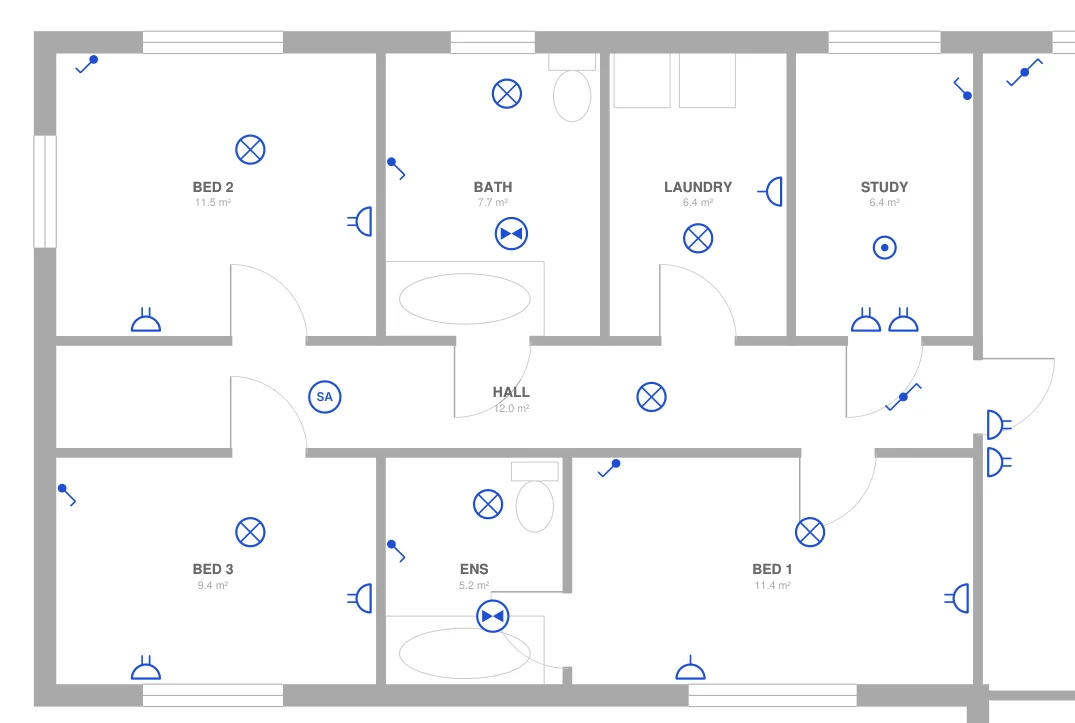
Every plan on this page is real output.
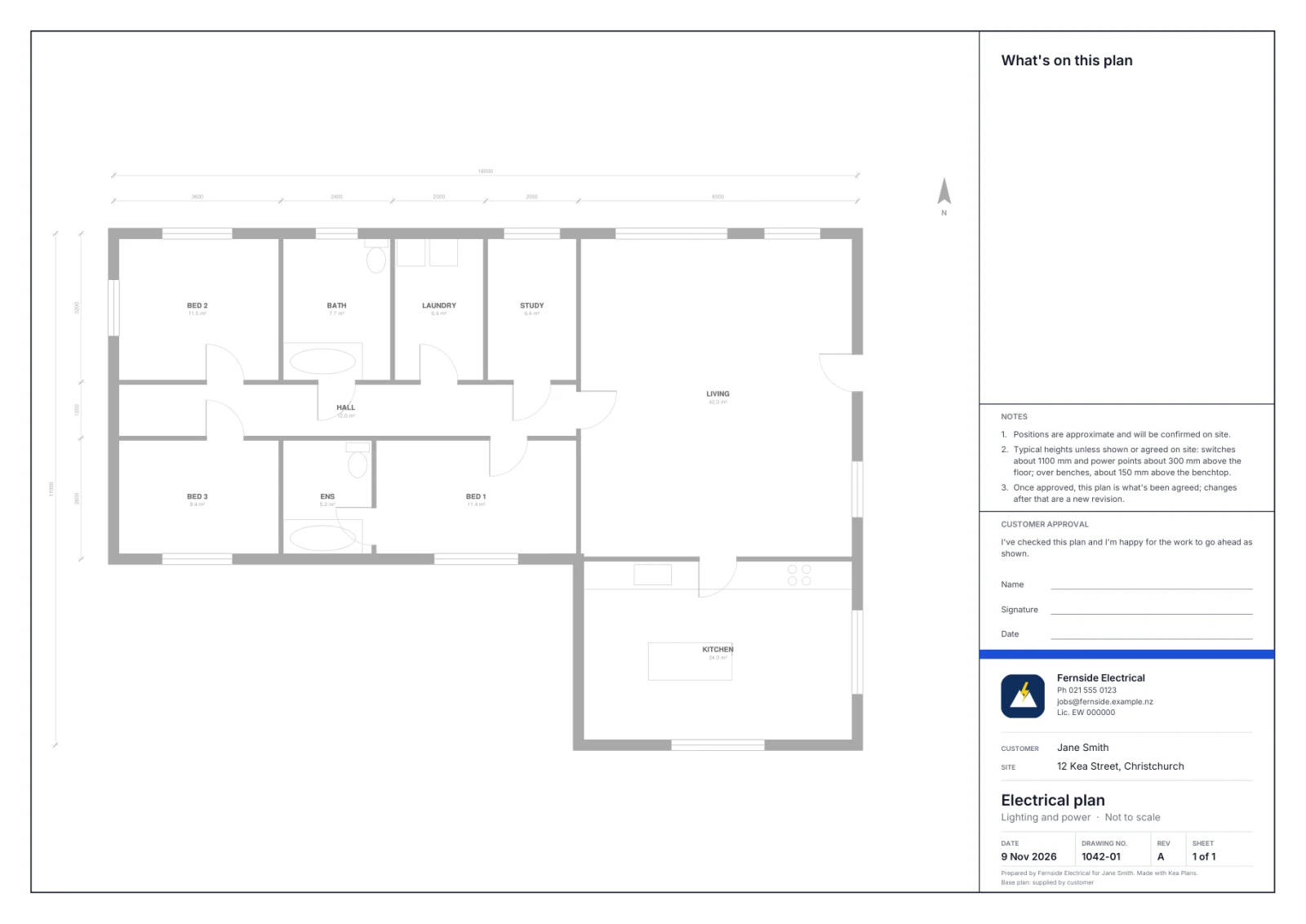
Kea Plans read the phone photo at the top, highlighted the few marks it wasn't sure of, and after a quick check drew this plan. Open it and zoom right in.
Fernside Electrical · 12 Kea Street
Jane, check your plan and sign below.
- Double power points12
- Downlights11
- Switches9
Signed on site by Jane Smith
9 Nov, 3:41 pm · Revision A
Customer sign-off
They sign it before you leave.
Hand over your phone or iPad. Your customer checks the plan and signs with a finger. Their name, the time and the revision go on the plan.
Signed on site by Jane Smith, 9 Nov, 3:41 pm
Customer not there? Send them a link and they tap Approve on their own phone. Want a change later? It becomes Revision B, so everyone knows which plan is the real one.
One plan everyone agreed to. No more “that's not what we said.”
Made for NZ sparkies
Built around how you already work.
Kiwi shorthand
DP, SW, 2W, SA, HP. It reads what you write, and names things the way you do.
The plans you get
Use the PDF from the builder or architect. No redrawing the house.
Phone, iPad or laptop
Whatever you have on site. A photo of a printout works too.
Your brand
Every plan looks like it came from a bigger firm. Because it came from yours.
Founding sparkies
What sparkies say.
Questions
Can I do it on site?
Yes, that's the whole idea. Mark up the plan on your phone, iPad or laptop as you walk the house with the customer. It turns into a proper plan in seconds. Go through it together, then they sign with a finger before you leave.
Does it check the wiring rules?
Kea Plans draws what you mark, neatly. It doesn't check your design against the wiring rules, and it isn't a certificate. You're the electrician: check the plan before you send it, the same as you would one you drew yourself.
What do I need to start?
The house plan as a PDF (the one the builder or architect sent you), and a phone, iPad or laptop. Mark it up on screen, or draw on a printout and take a photo.
What can I write on the plan?
What you already write. Short letters like DP, SW, 2W, D, SA, FAN, HP and TV, plus little circles for lights. "DP x2" gives you two. Notes like "check w/ builder" stay on the plan as notes.
What if it reads a mark wrong?
Anything it isn't sure about is highlighted in yellow for you to check. Tap it to change the symbol, drag it, or delete it. The highlight never prints.
Get your next plan signed on site.
Try it on a real job. Your first 3 plans are on us.